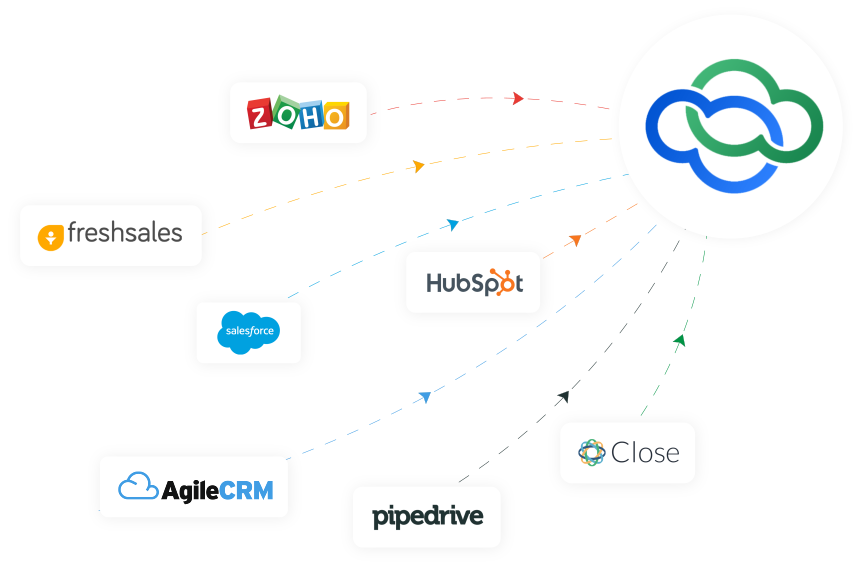
Switching to Alvyo from another CRM?
Allow us to make this transition seamless with free migration services. Write to [email protected] to get started.
Allow us to make this transition seamless with free migration services. Write to [email protected] to get started.





Yes, you can import the data in Alvyo cloud using our import feature for that you need to format your data in CSV files as Alvyo guidelines. This will allow you to import basic fields in Alvyo cloud. For complex data import, you need to reach us for the migration service.
You can ensure that your data is safe and secured. We follow Alvyo privacy and security guidelines. We comply with international standards of data security and ensure data protection during migration.
We can not migrate source-level/DB level customization made on your previous CRM, and custom modules or extensions data also not supported.
Some of the most common migrations we have done from other CRMs as follows:
We will complete the migration process in 2-4 weeks. ETA may vary depending on data size.
Following are prerequisites
We support the following data formats.
We will complete the migration in 2 phases.
Our sales/support team will follow up and update the complete details based on the source CRM.